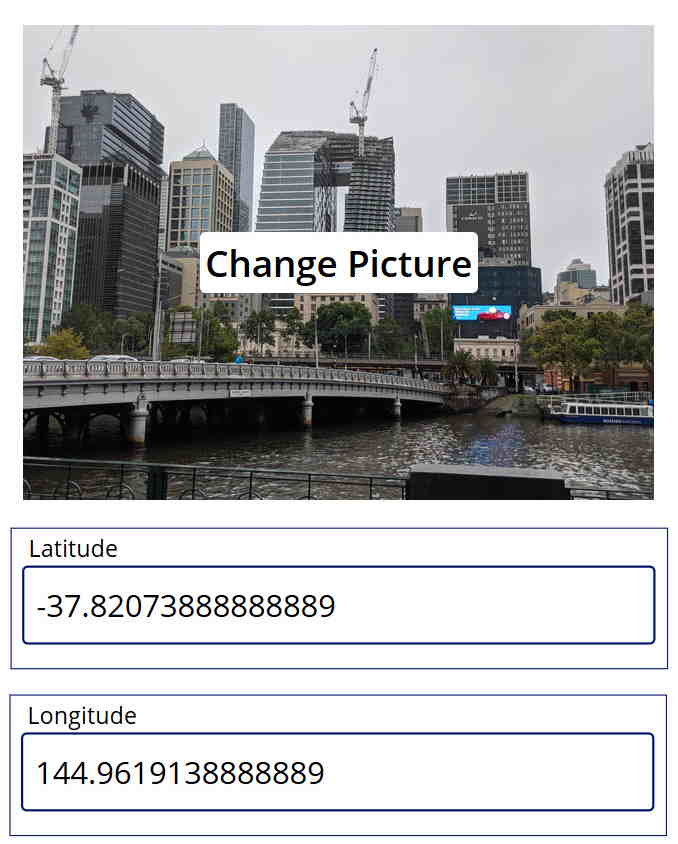
ImageViewer

ImageViewer
A control to upload and view images directly within any entity records.
Key Features
- Display multiple images on any record form
- Upload images via the default file selector dialog, or simply drag and drop single or multiple images
- Navigate through images using keyboard arrow keys, on-screen arrow keys, or by directly clicking on thumbnails
- Download specific images directly from the control
- Delete specific images from the control with ease
- All image data is stored within the configured File column
- Built-in safeguards to prevent accidental uploads of non-image files
Author: Kuldip Maharjan

Url Image List Control
A control to show the images of a dataset from the URL that is stored inside a single line of tex...

Power Pages File Manager
A control designed to enhance file management within Power Pages using the Azure File API
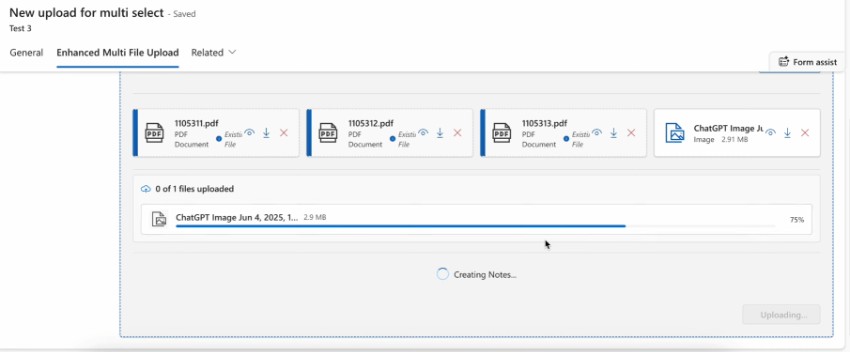
Responsive Multi-File Upload PCF
A control that enables multi-file upload with drag & drop support directly into Dataverse.
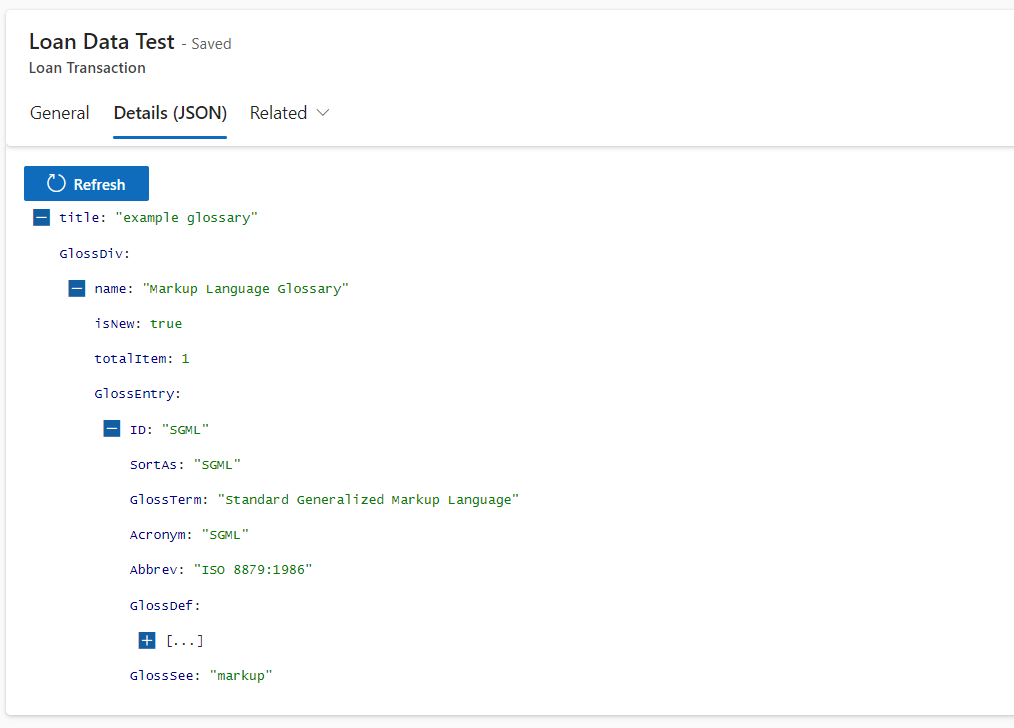
PCF JSON Viewer Control
A control to display JSON in tree format that is easy to dig and track each element.